Inspect the evidence
Review installation photos and records against project requirements.
QUALITY ASSURANCE / REAL-TIME QC
Every installation and required photo is reviewed by trained SNI QC personnel. Real-time checks address workmanship, equipment placement, wiring and safety while the field team is engaged.
DOCUMENTED ACCOUNTABILITY
Technicians use SNI’s customized Orcatec system to record vehicle or asset details, device identifiers and required installation photos. The records support real-time QC review and customer data sheets.
INSTALLATION EVIDENCE
Device serial numbers and installation records connect the installed equipment with the vehicle or asset.
Equipment traceability connects the warehouse, field installation and QC review.
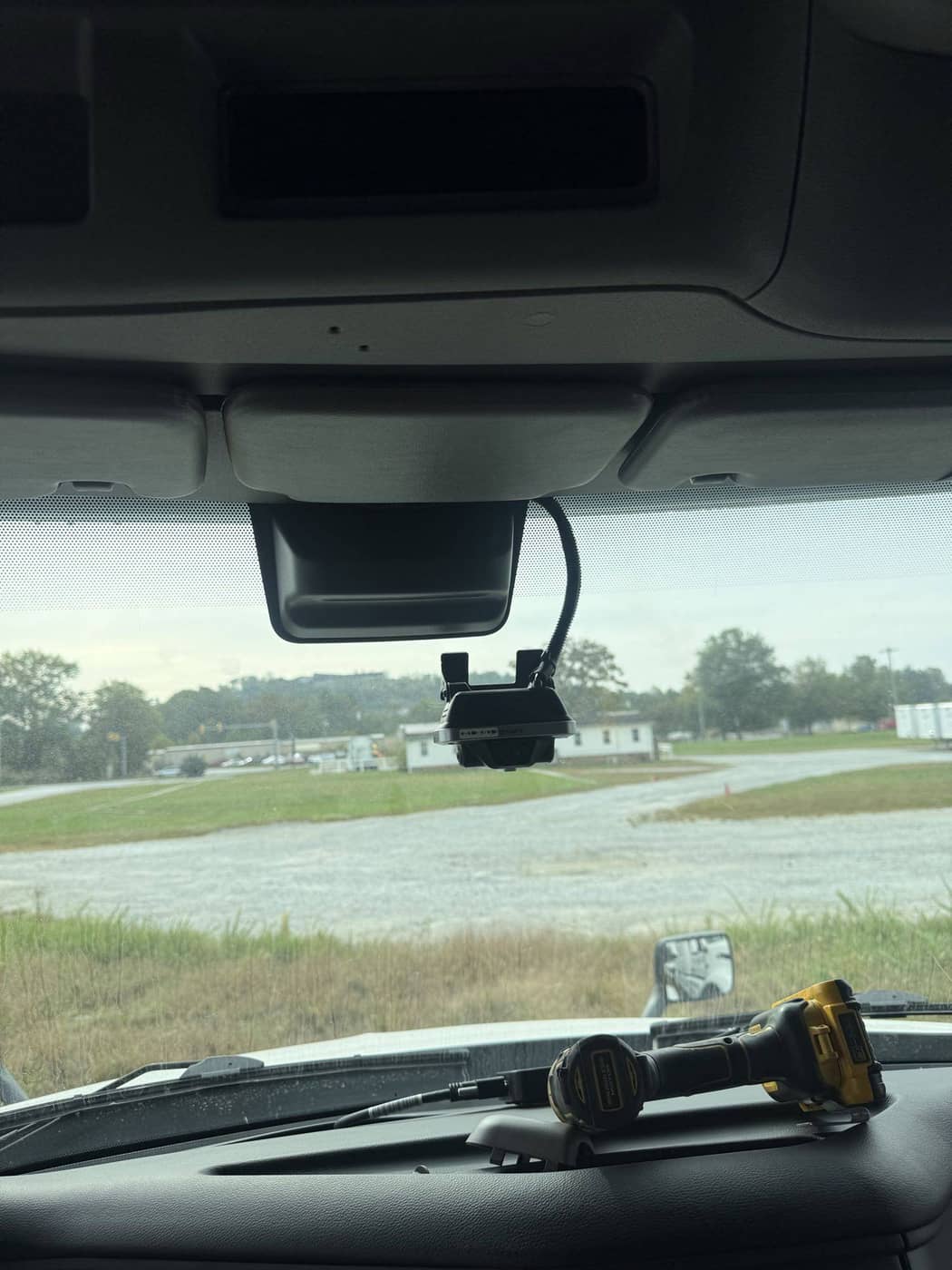
INSTALLATION EVIDENCE
Before-and-after photos show vehicle condition, equipment placement and completed workmanship.
QC reviews placement and workmanship against the project requirements.
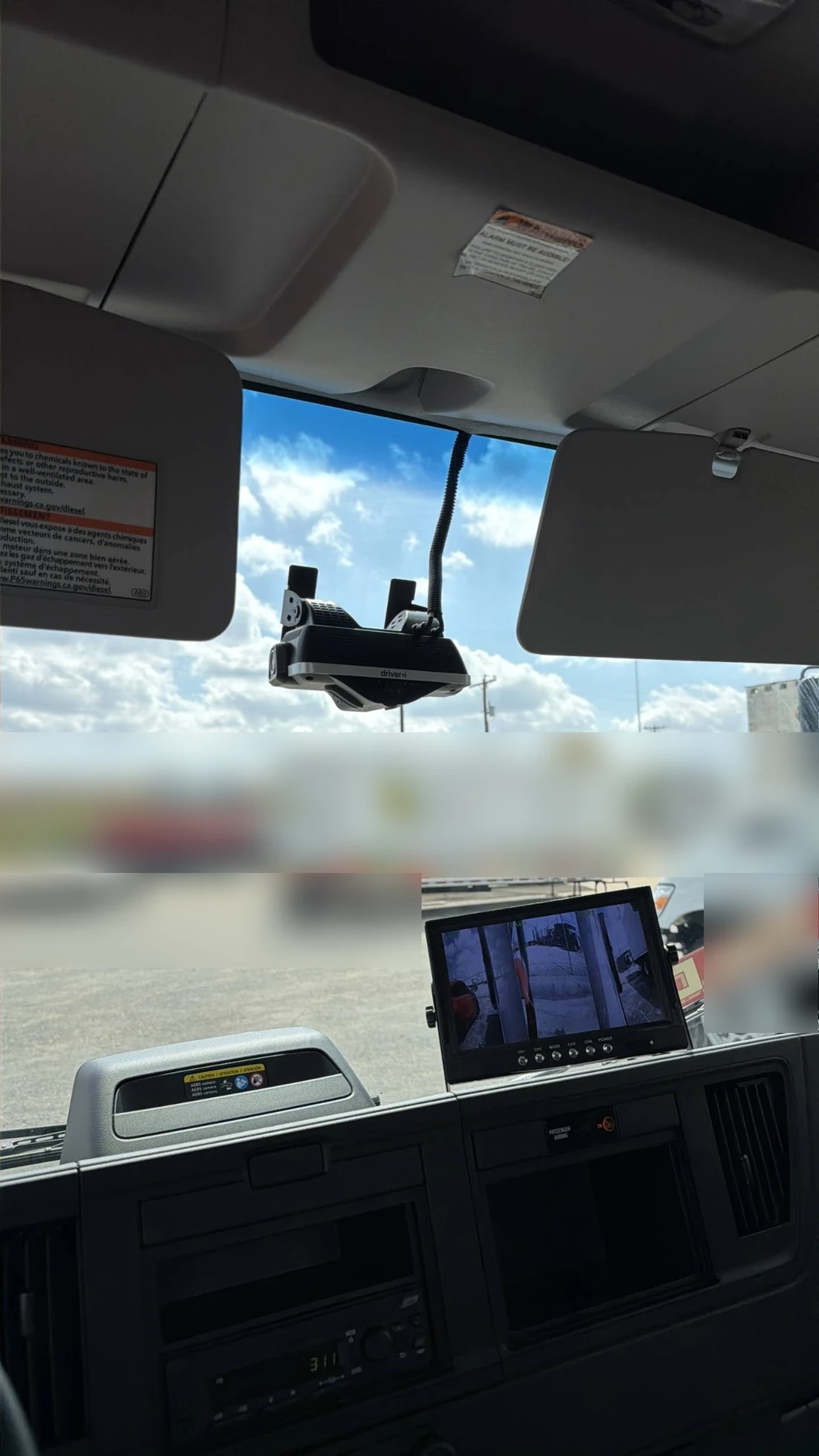
INSTALLATION EVIDENCE
Connection and cable-routing photos let QC assess the installation behind the trim as well as the visible equipment.
Every installation and required photo set is reviewed by trained SNI QC personnel.
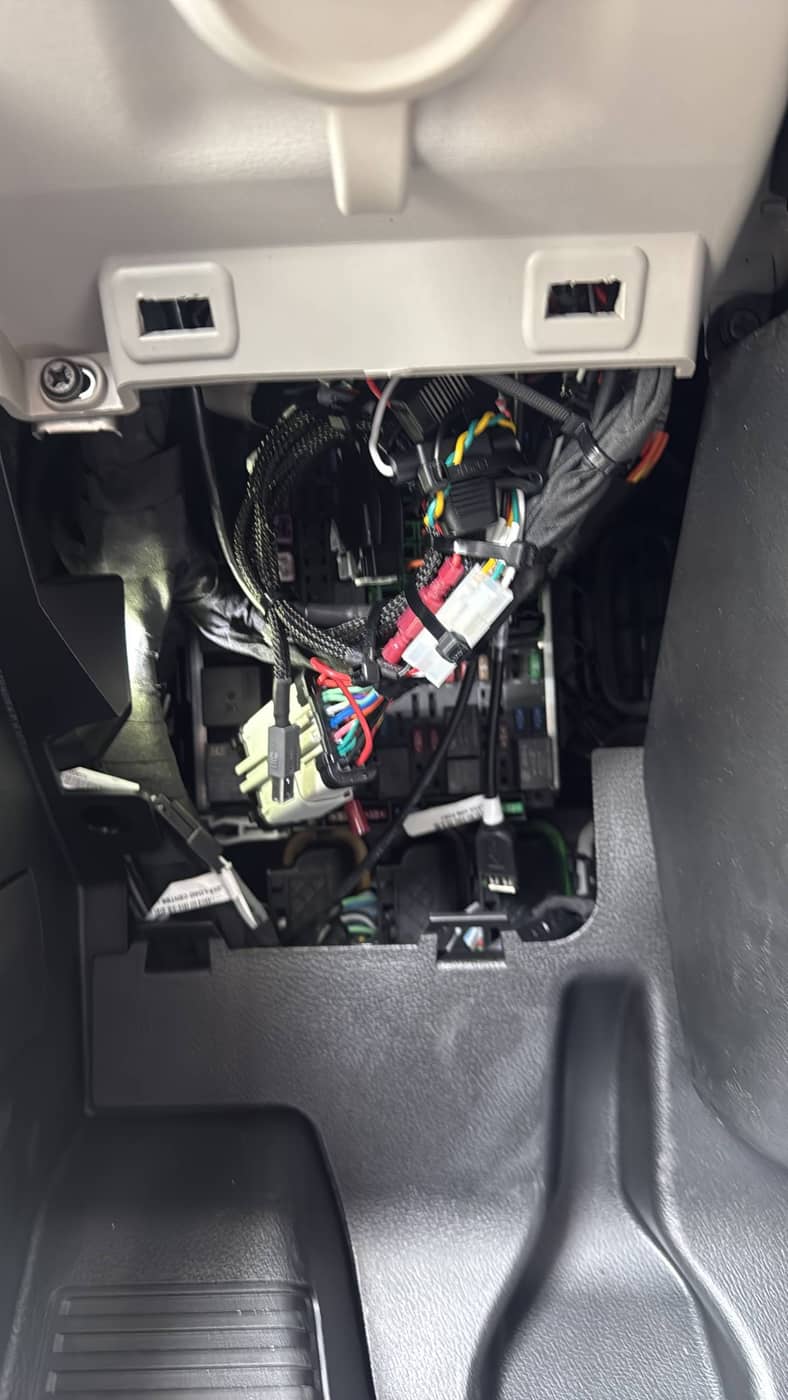
INSTALLATION EVIDENCE
Photo review includes placement and safety concerns such as airbag obstruction. Failed QC is escalated to the people responsible for correction.
The project team coordinates an on-site response to identified installation issues.
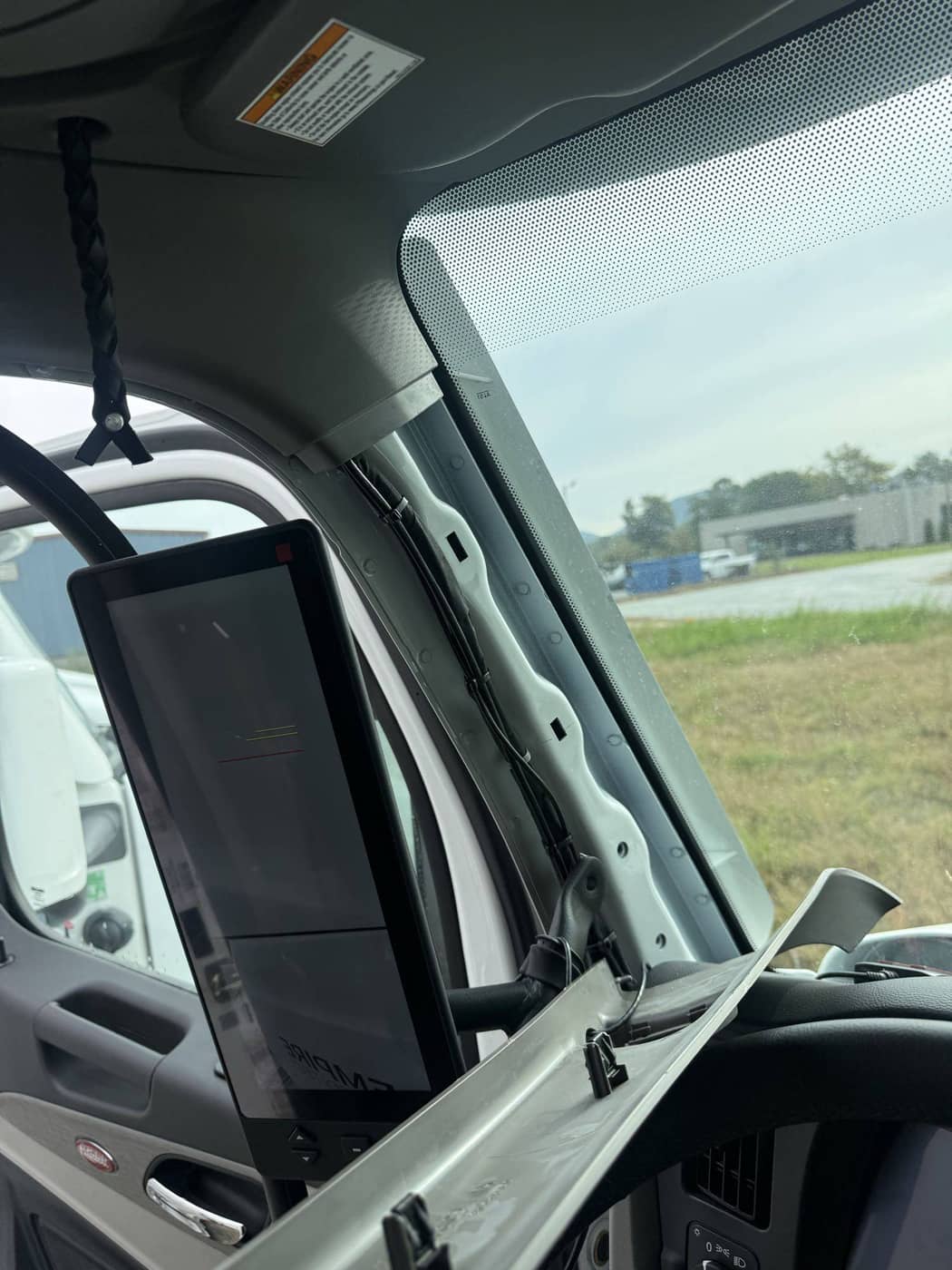
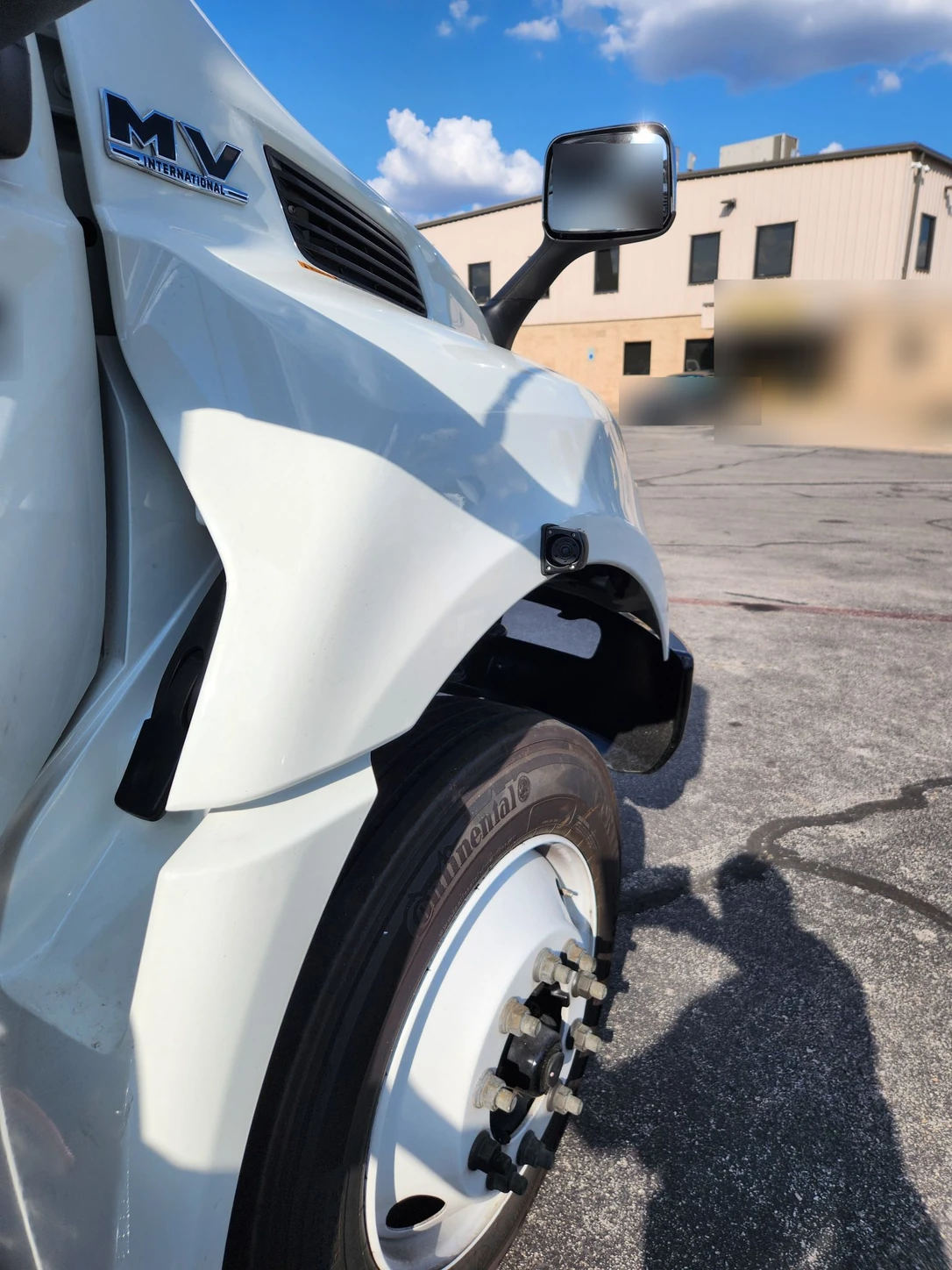
SNI FIELD PHOTOGRAPHY
Explore interior and exterior camera placement in selected field photographs.
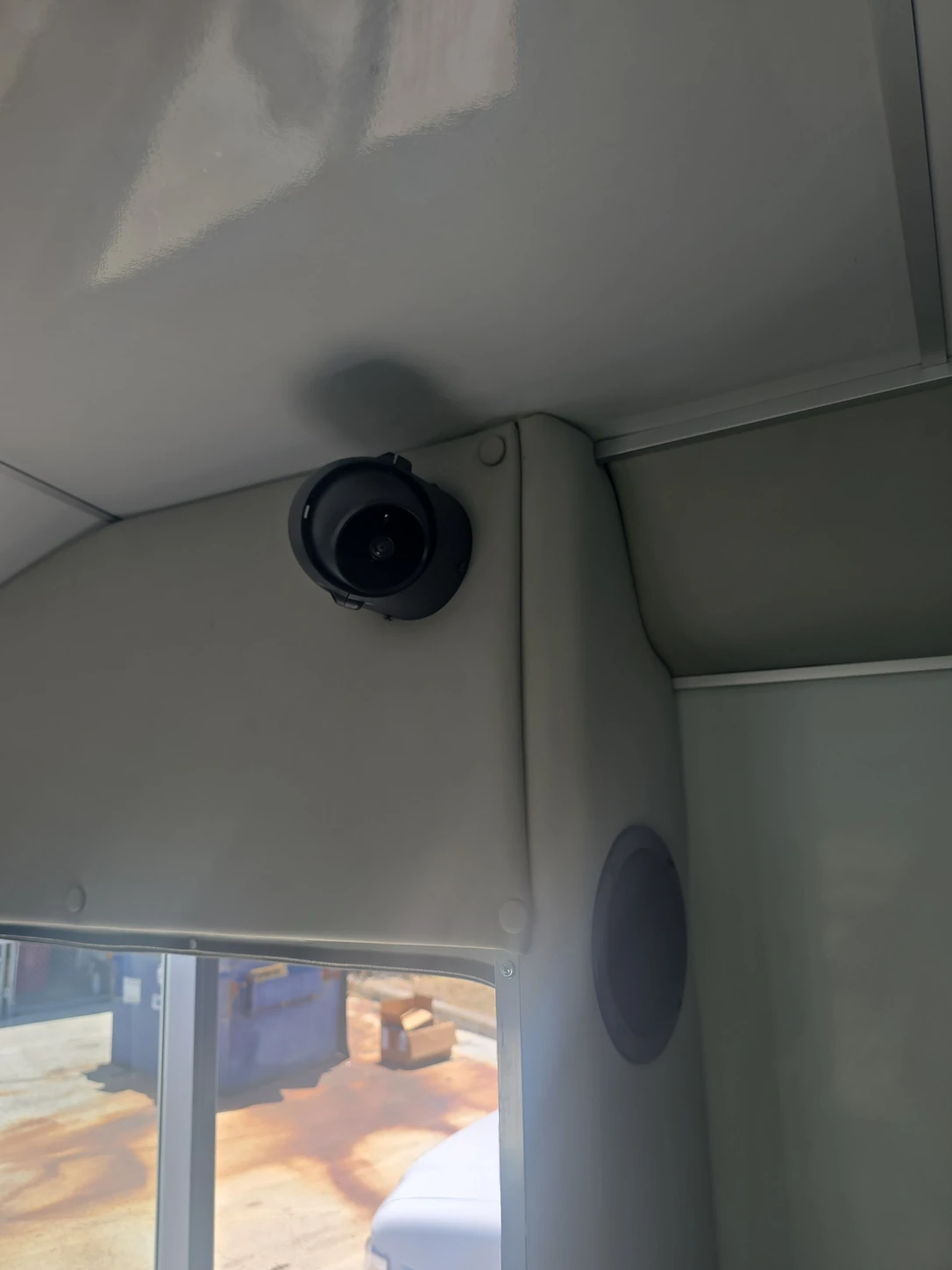
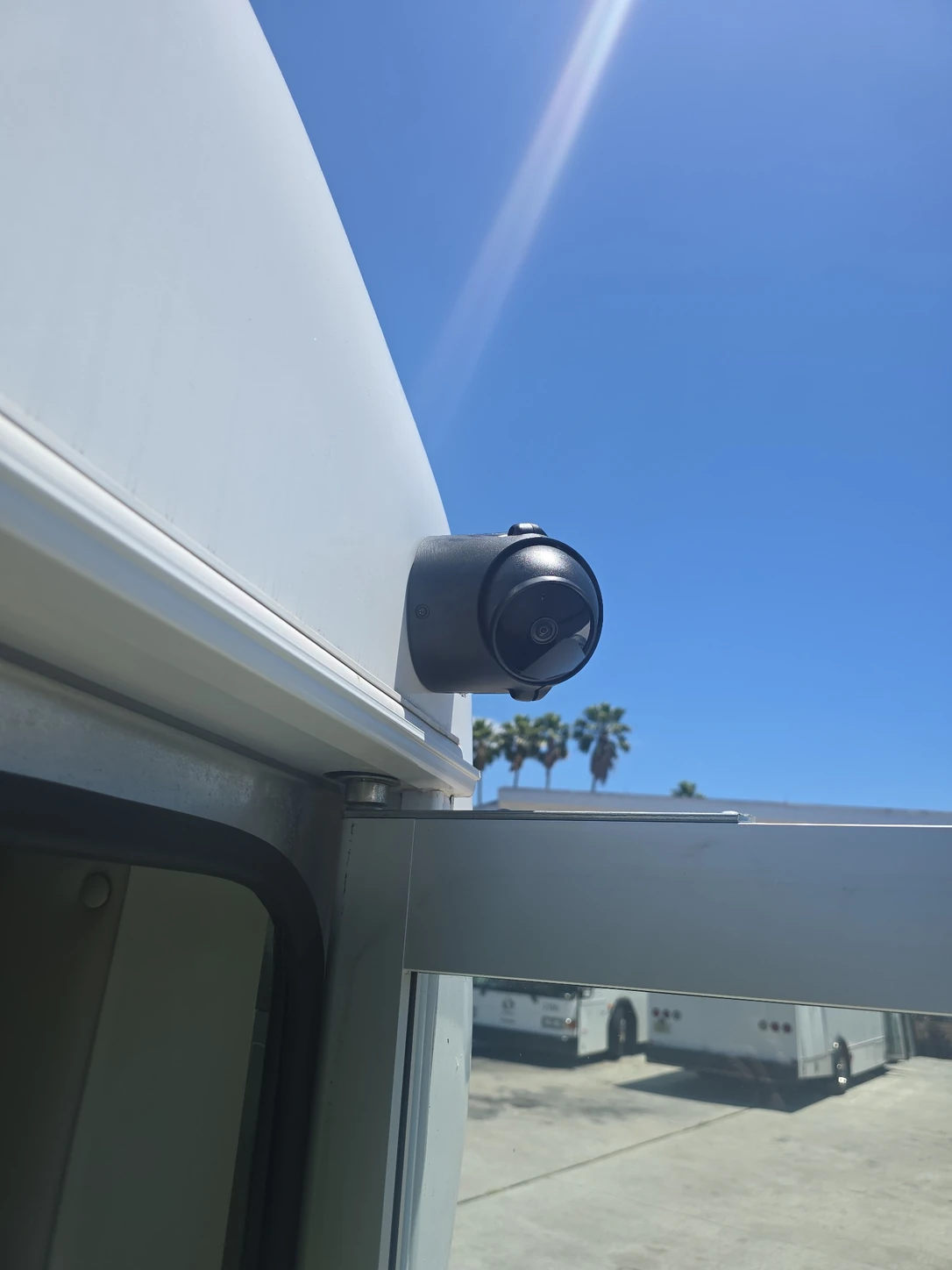
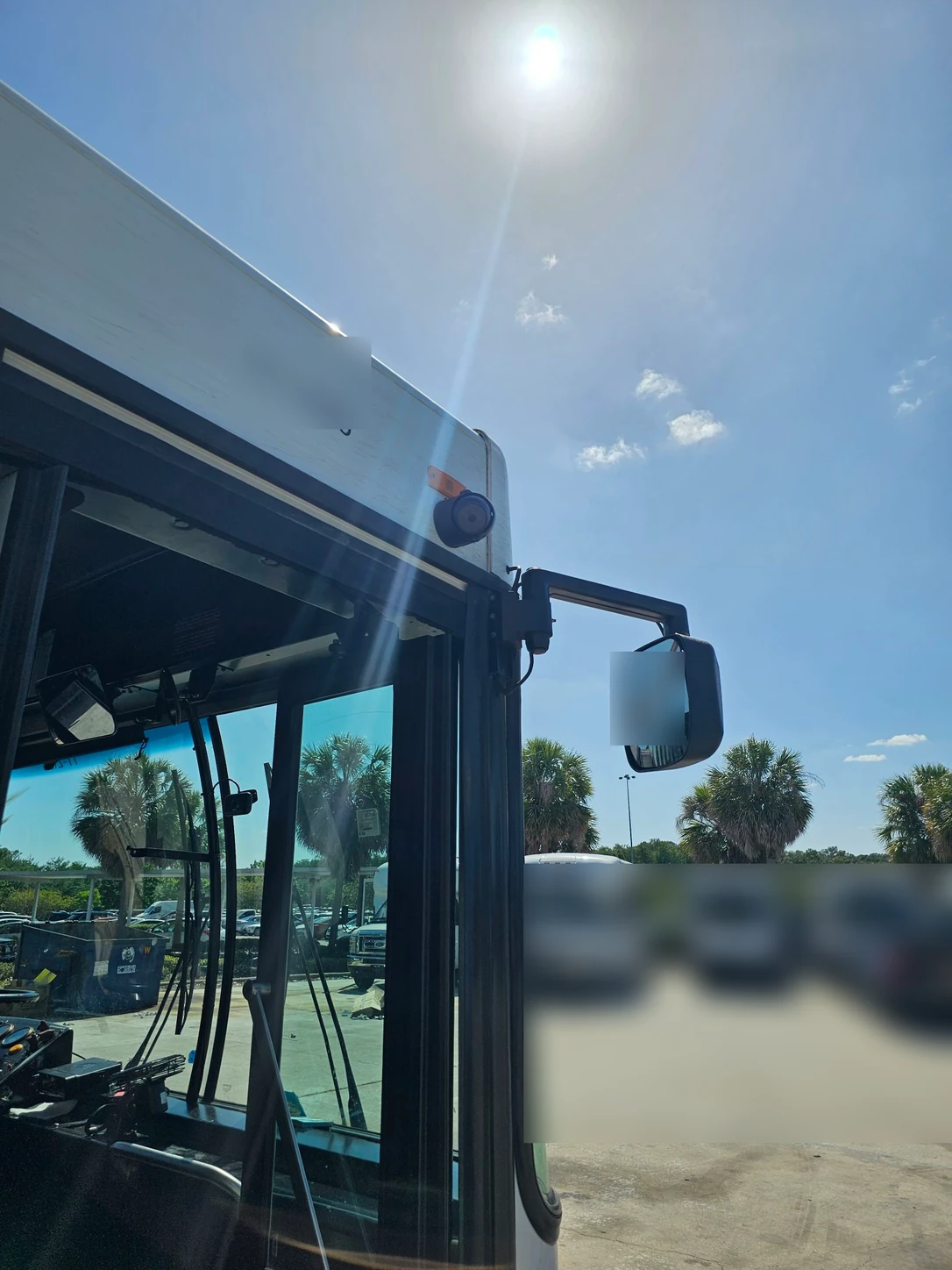
REVIEW & RESOLUTION
Review installation photos and records against project requirements.
Escalate failed QC to the Project Manager, Head of QC and technician.
Document corrective work and review the evidence of resolution.
CUSTOMER VISIBILITY
Request access to all installation data sheets for your company, including the records behind completed field work.
Command Center is SNI’s project reporting process. Daily updates show completed work, missed installations and overall progress.
Explore Command Center reportingSTART WITH YOUR FLEET
EXPLORE THE RECORD
See how SNI documents standard camera installations and more complex multi-camera systems.
Explore selected field photos, equipment records and verification checks, plus an illustrative aftercare service record.
Explore the reporting example