
DEPLOYMENT SOLUTIONS & PROCESS
One program.
One accountable team
Keep a distributed rollout coordinated from handoff to completion. Your dedicated Project Manager and Scheduling Coordinator align equipment, technicians and site schedules, with daily reporting on progress.
01Project handoffEstablish the scope, priorities and delivery team.
Account management hands the project to a dedicated Project Manager and Scheduling Coordinator. Together, they establish customer requirements, project scope and target dates.
02Location counts & schedulingVehicle and asset counts are collected for each location.
Vehicle and asset counts at each location define the work to be scheduled. The team builds a plan around your site requirements, operating windows and target timetable.
03Receive, inventory & kitEquipment is received and housed at the Denton warehouse.
The Denton team records serial numbers and prepares kits with the cables and materials required for each vehicle. Equipment ships to the site or agreed holding location ahead of installation.
04Notify sites & assign techniciansSites are contacted one week, 72 hours and 24 hours before deployment.
The scheduling team checks site readiness and provides notifications one week, 72 hours and 24 hours before deployment. Qualified regional and state technicians are assigned to the agreed schedule.
05Install & documentTechnicians complete the installation and capture the required evidence.
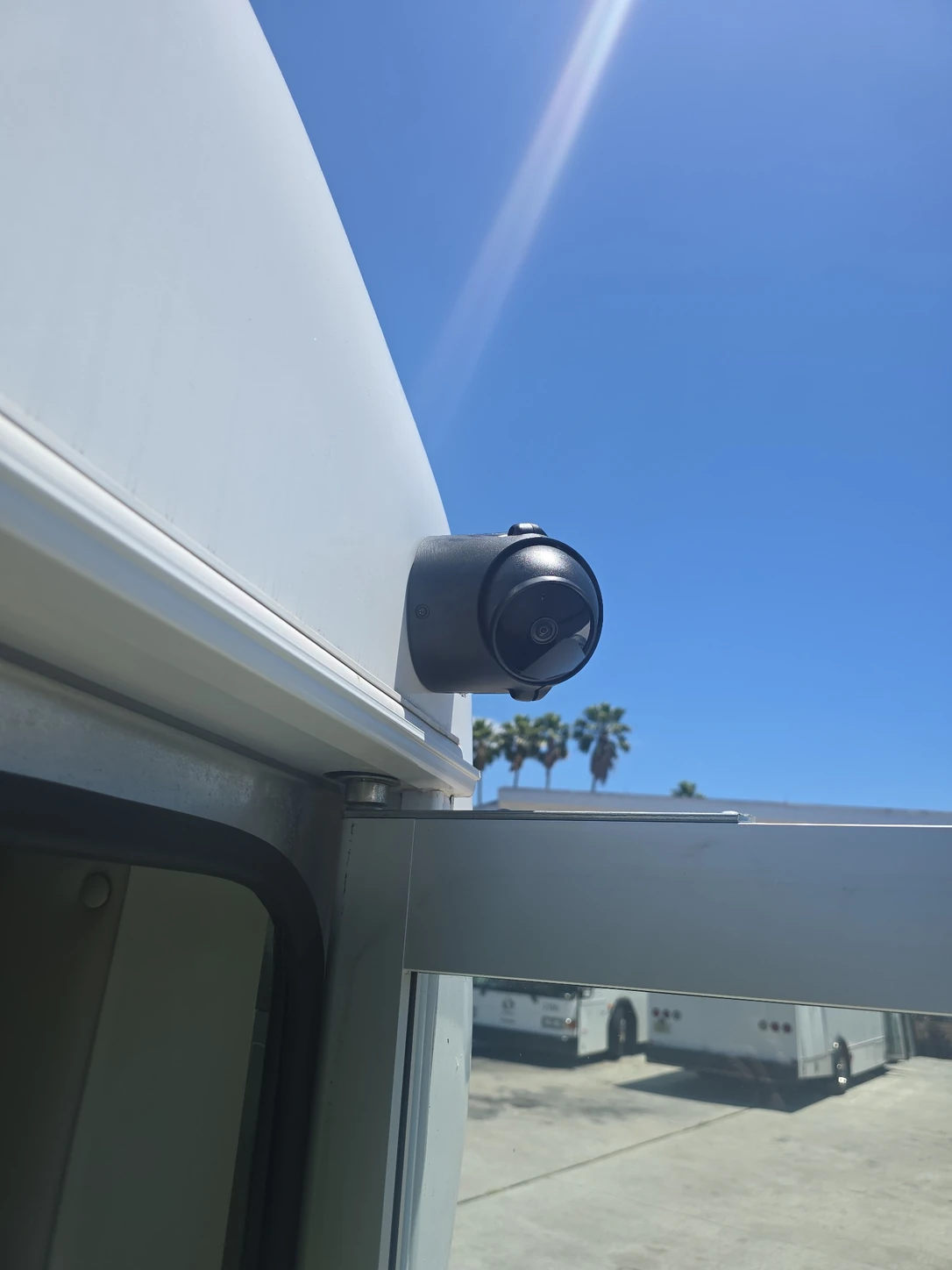
Technicians record device identities, before-and-after conditions, mounting, power connections, cable routing and camera views as required for the project.
06Real-time quality controlTrained QC personnel review every installation and required photo.
QC checks workmanship, placement, wiring and safety in real time. Failed reviews go to the Project Manager, Head of QC and technician for correction and further review.
07Command Center & reportingDaily uploads show completions, misses, exceptions and overall progress.
Command Center is SNI’s project reporting process. Daily uploads give customers and project teams a shared view of completions, misses, requested information and overall progress. The team uses those updates to coordinate remaining work.
SITE READINESS
Keep every site informed
Three scheduled contacts help sites prepare for the installation team.
Advance site contact
Give the site advance notice of the planned work.
Readiness confirmation
Follow up on readiness and the scheduled installation window.
Final site confirmation
Confirm the next day’s arrangements with the site contact.
COMMAND CENTER & CUSTOMER REPORTING
Daily visibility.
Actionable information
See completed work, outstanding items and overall progress in one reporting process.
COMMAND CENTER REPORTING
Know what is complete
Daily uploads show customers and the SNI team which vehicles and assets have been completed.
- Completed vehicles and assets
- Installation and device records
- Progress against the location plan
Reporting is aligned to the information requested for your project.
COMMAND CENTER REPORTING
See what needs attention
Missed installations and exceptions remain visible so the team can resolve issues and schedule remaining work.
- Missed installation activity
- Items requiring project-team attention
- Coordination of the remaining deployment scope
Your Project Manager and Scheduling Coordinator use these updates to plan the next field actions.
COMMAND CENTER REPORTING
Connect field work with its evidence
Installation photos and data sheets let QC and customers review the evidence behind completed work.
- Device serial numbers and mounting locations
- Before-and-after, wiring and power photos
- QC review and corrective documentation
Customers can request access to all data sheets for their company.
COMMAND CENTER REPORTING
Keep the whole rollout in view
Track daily activity alongside overall completion across the locations in your deployment.
- Daily completions and misses
- Customer-requested project information
- Overall project completion status
Customer reporting is coordinated through your SNI project team.
SNI PROTECT / FLEET AFTERCARE
Keep support connected
to the deployment
SNI Protect extends support beyond the rollout, helping your team address equipment issues across fleet locations.
A designated coordinator manages troubleshooting, field service, equipment logistics and QC verification. Monitoring requires authorized platform access, and service coverage is defined in your agreement.
Explore fleet aftercareSTART WITH YOUR FLEET
Let’s review your fleet requirements
EXPLORE THE RECORD
See what goes into the record
See how SNI documents standard camera installations and more complex multi-camera systems.
Explore selected field photos, equipment records and verification checks, plus an illustrative aftercare service record.
Explore the reporting example